 sageteachers.com
Browse the apps →
sageteachers.com
Browse the apps →
Wheel of Names is a great free spinner. Spin the Wheel does the same job with no ads, and it can spin your saved class list, so you never paste names in each morning.
| Wheel of Names | Sage Teachers' Spin the Wheel | |
|---|---|---|
| Cost | Free, supported by ads | Free, no ads |
| Ads | Yes, closeable for the session | None |
| Your class list | Save wheels on the site | Loads your saved class, shared across every app |
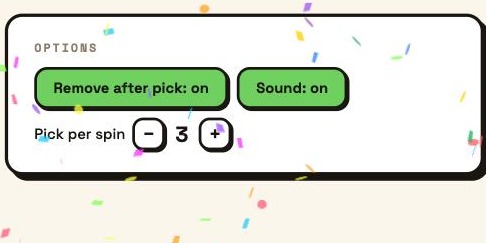
| Fair turns | Remove after each spin | Remove after pick, plus pick several at once |
| Logins | None needed | None to use, free sign-in to load your class |
| Beyond the wheel | Name picker | 90+ apps: timers, quizzes, group makers, printables |
Credit where it is due. Wheel of Names is free, it looks good, and it has spent years polishing the little things, like a big library of sounds and easy sharing. If all you want is a quick spinner on a personal device, it does the job well and you do not need an account.
Two things. First, no ads, so nothing pops up on the big screen in front of the class. Second, it spins your saved class list. Sign in free with Google, save your class once, and it is there in the spinner, the group maker, the seating plan and every other app, so you are not pasting the same names in each morning. Turn on Remove after pick and it works fairly round the whole class.
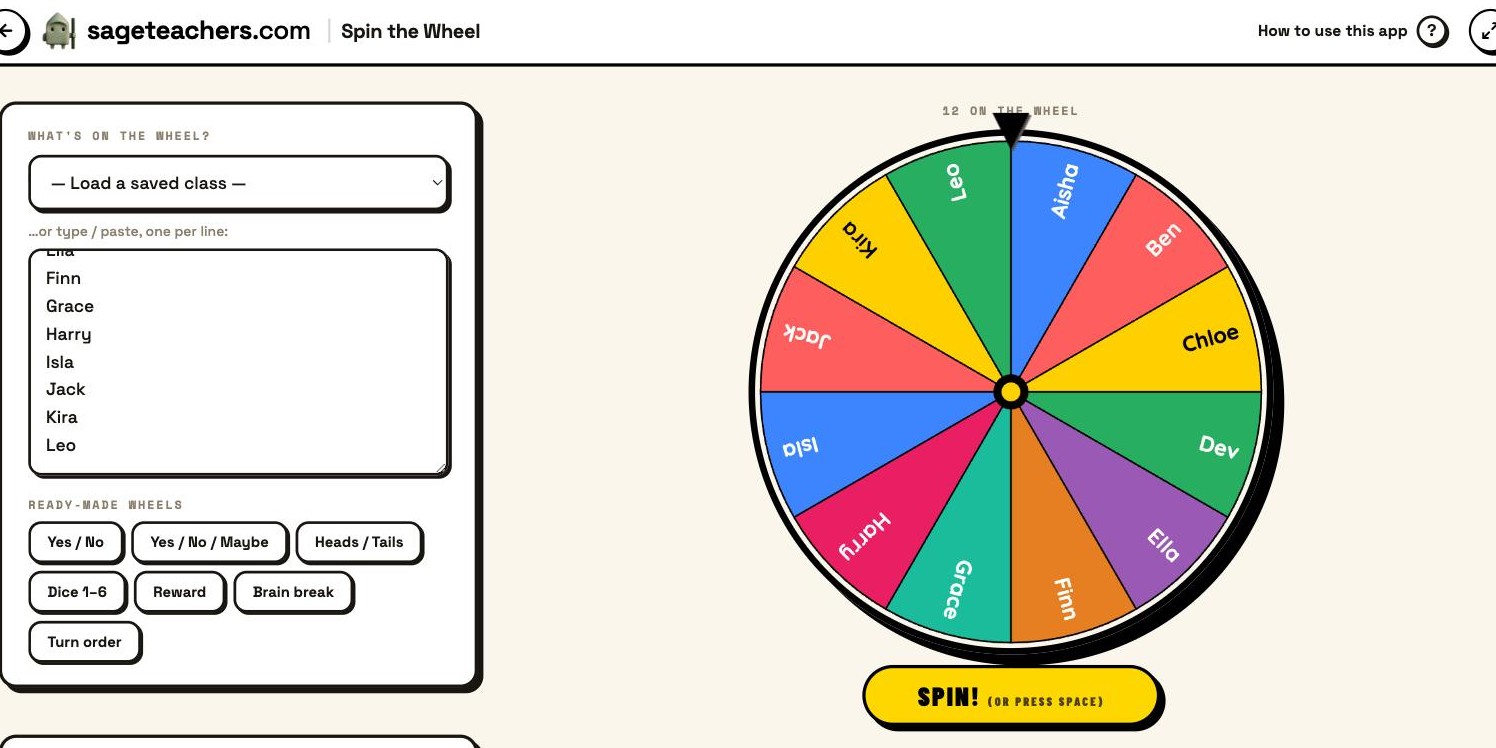
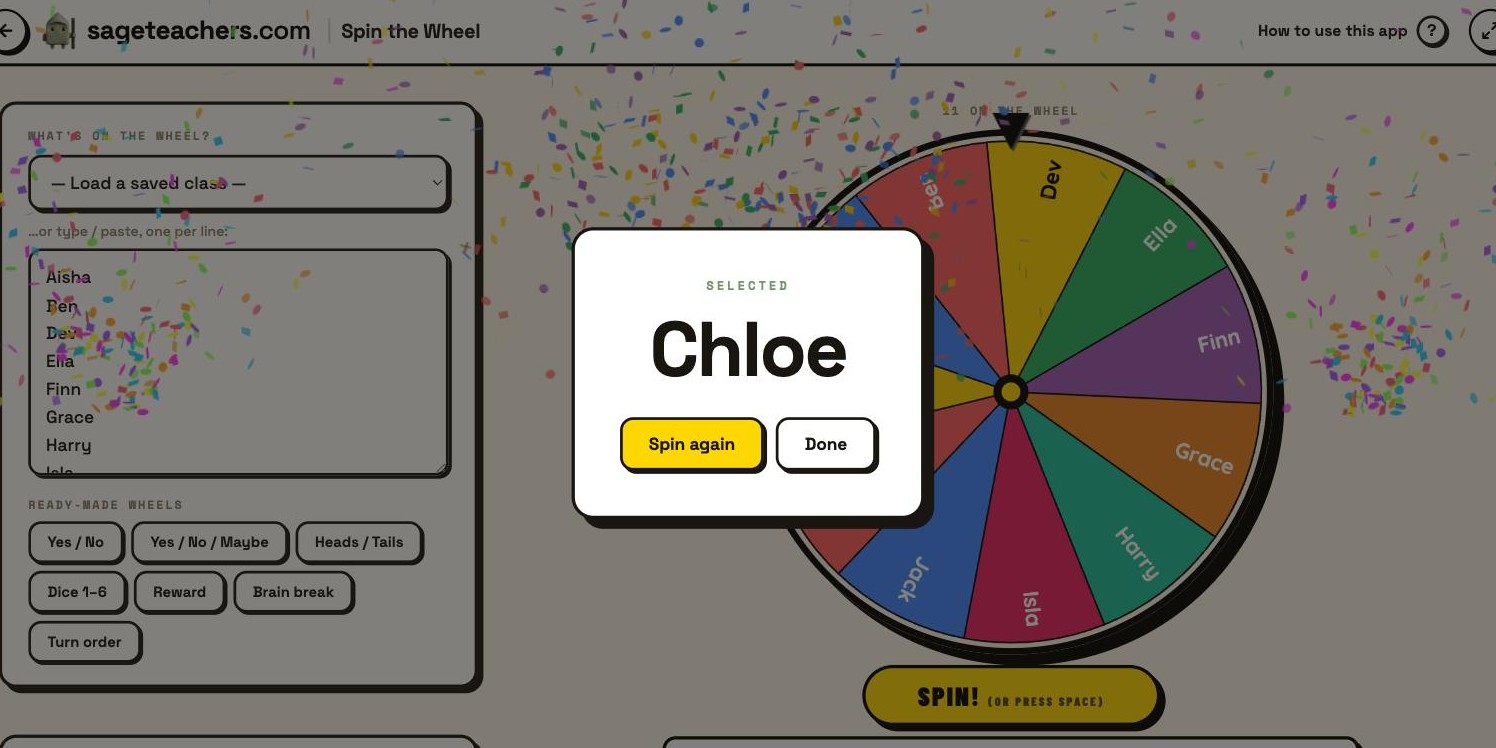
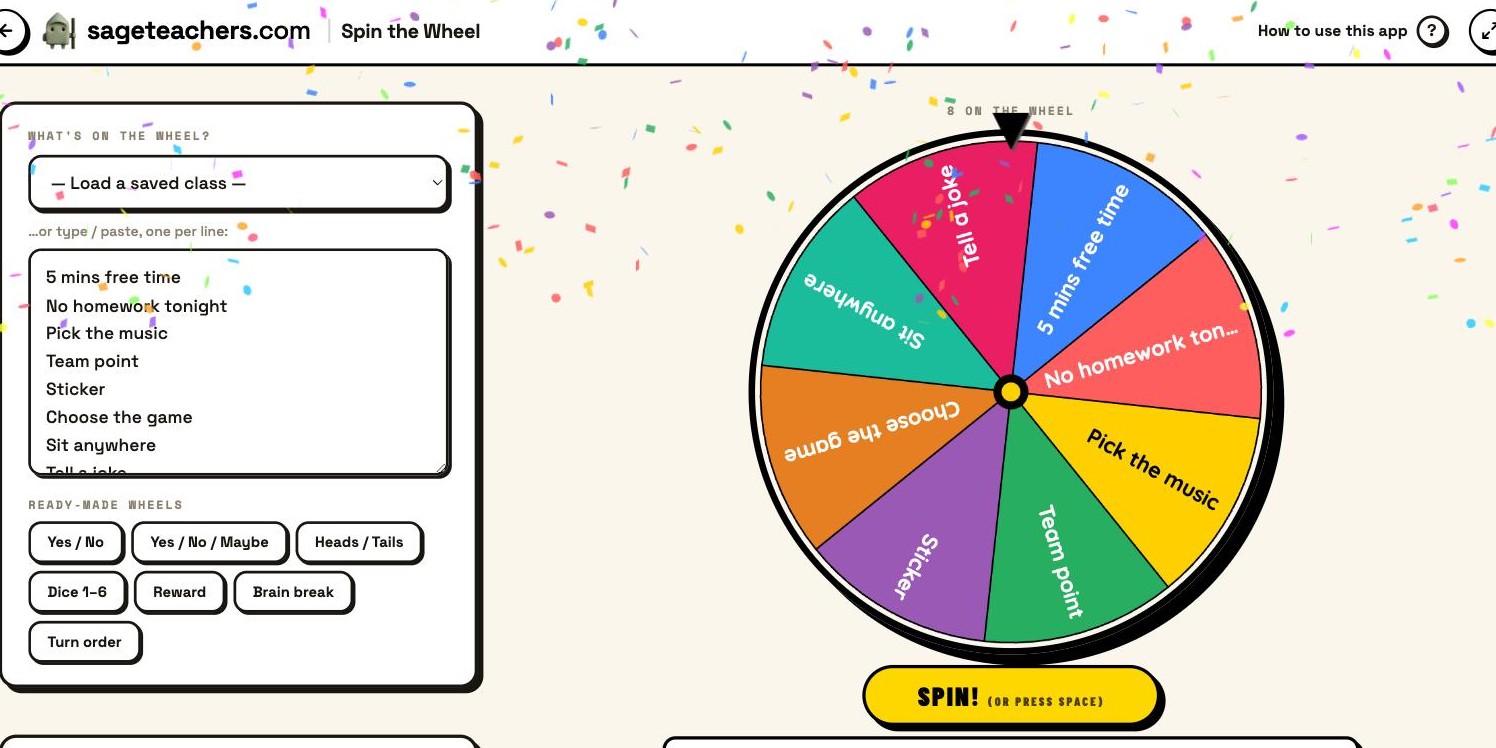
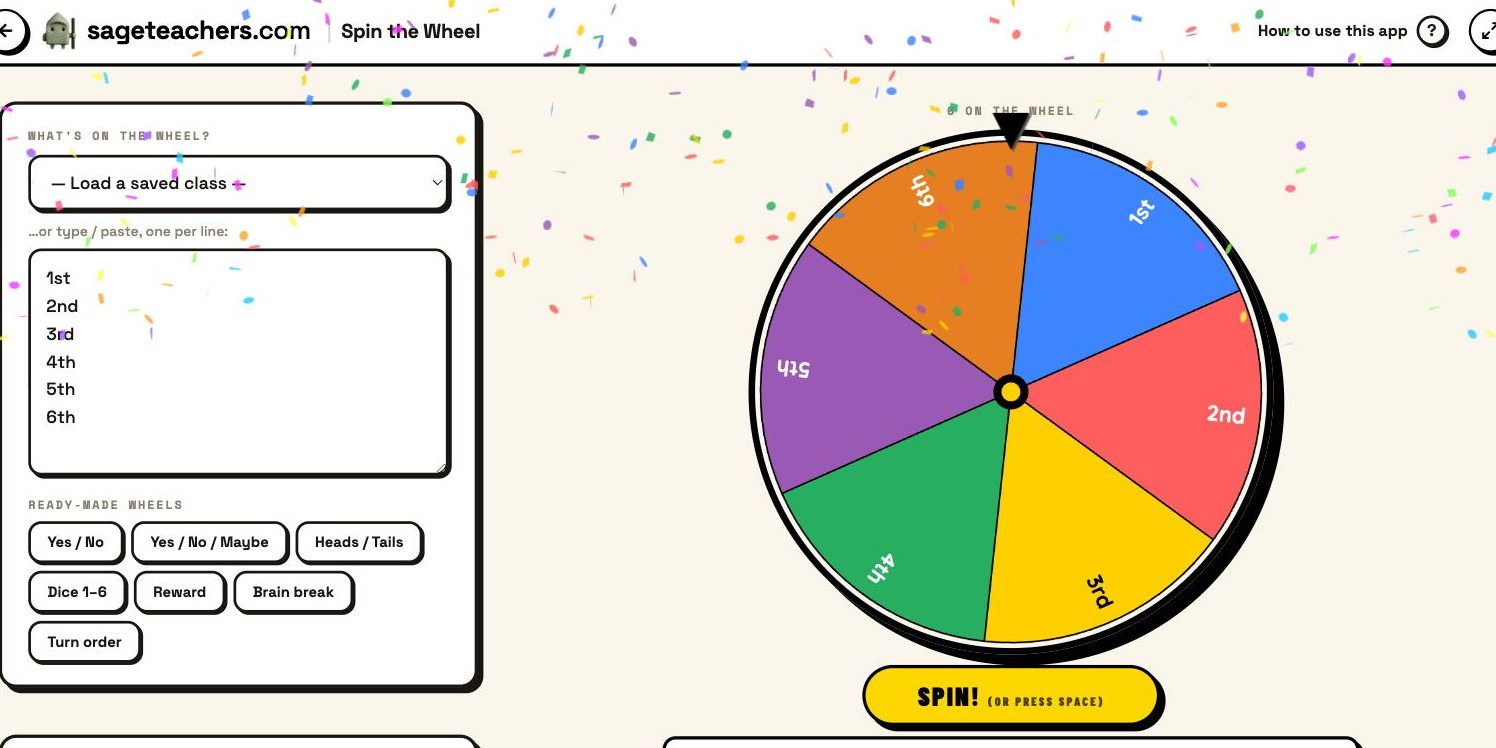
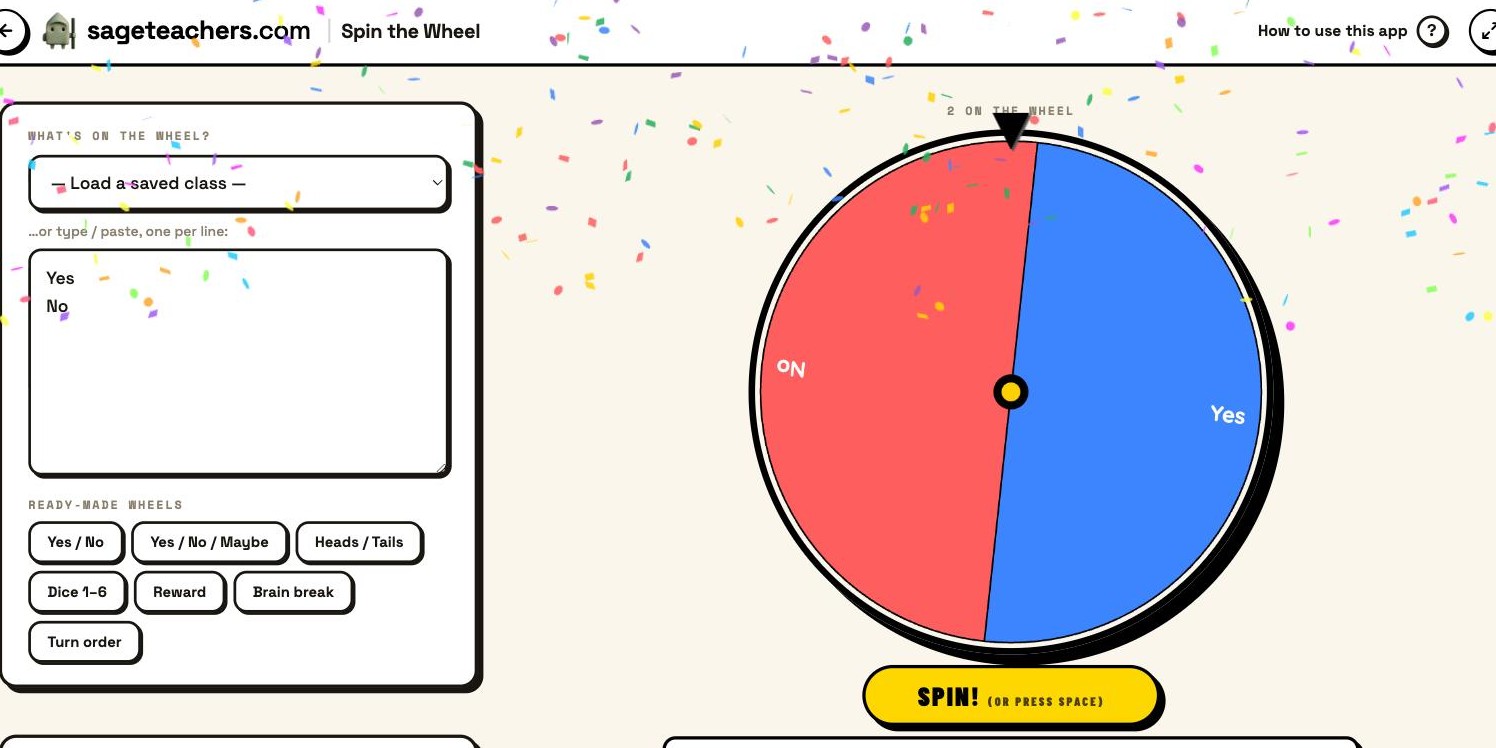
Type or paste what goes on the wheel, one per line, or sign in and load a saved class, or tap a ready-made wheel. The wheel builds itself as you type. Tap it, press Spin, or hit the space bar. Turn on Remove after pick to go round everyone fairly, pick several names at once if you need teams, and switch on Sound for the ticks and a fanfare. It is built for the interactive whiteboard, so the names are big and clear from the back of the room.
Spin the Wheel is free, with no ads. Saving your first class list is free too, and that class works across every app. Sage Teachers Pro adds unlimited saved classes and timetables, and unlocks the save-and-reuse features in some other apps, but the wheel itself costs nothing.
Yes, with no paid tier. It is funded by ads that you can close for the session. Spin the Wheel is also free, and shows no ads.
Spin the Wheel does the same job, spun on the board, with no ads. The difference is it can spin your saved class list, so nothing gets retyped, and the same class runs every other app on the site.
No. Type or paste names, or use a ready-made wheel. A free Google sign-in only adds the option to load your saved class.
Yes. Turn on Remove after pick and each name comes off once chosen, so it works round the whole class without repeats.
Open it on your whiteboard, with nothing to install, and free to start. Type a few names and give it a spin.