 sageteachers.com
Browse the apps →
sageteachers.com
Browse the apps →
Classroomscreen is a good free tool, but on the free plan nothing saves and you rebuild your screen every lesson. Sage Teachers turns the jobs you use most into full apps, and saves your class and timetable free, ready in every app and on your morning board.
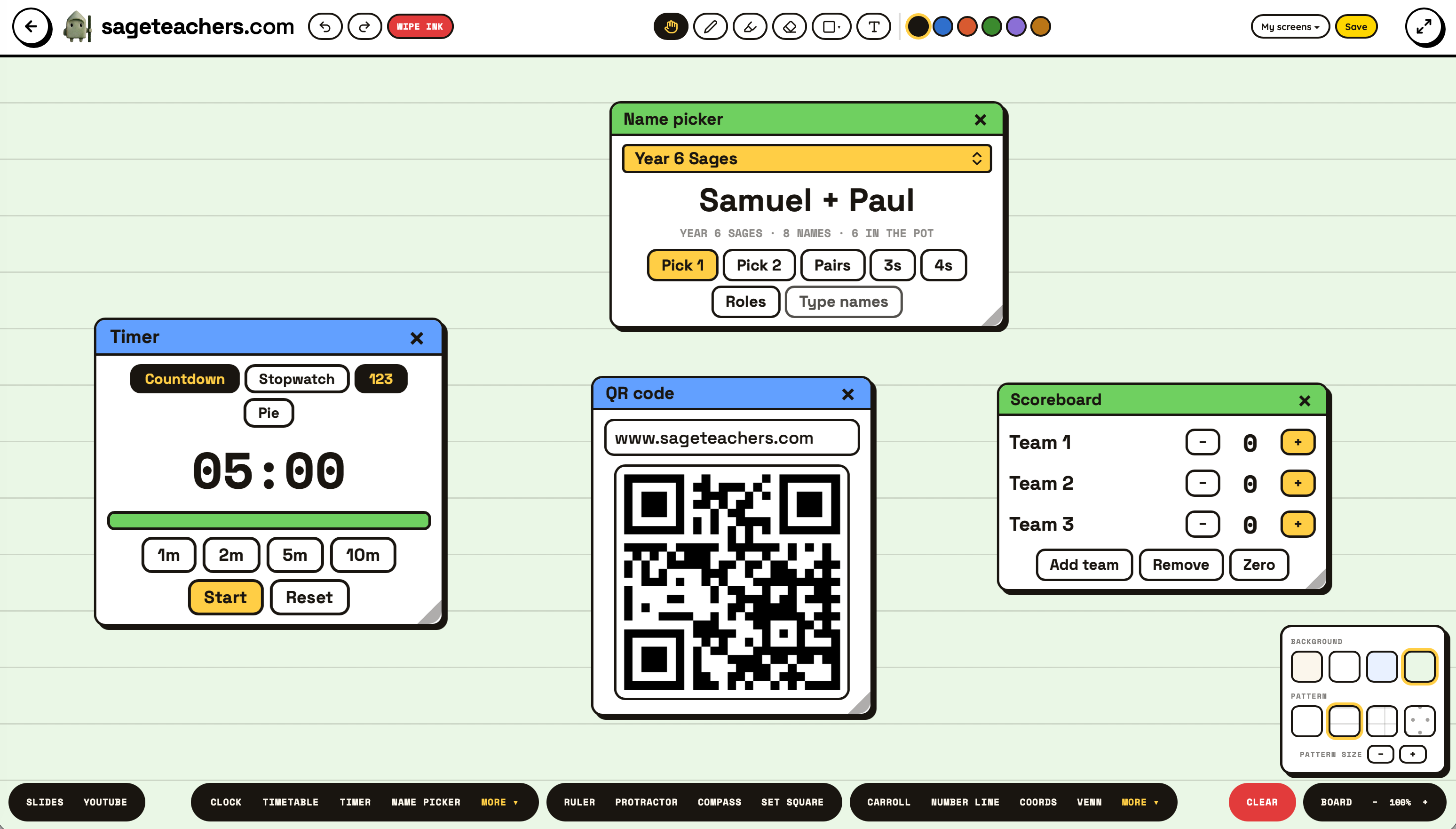
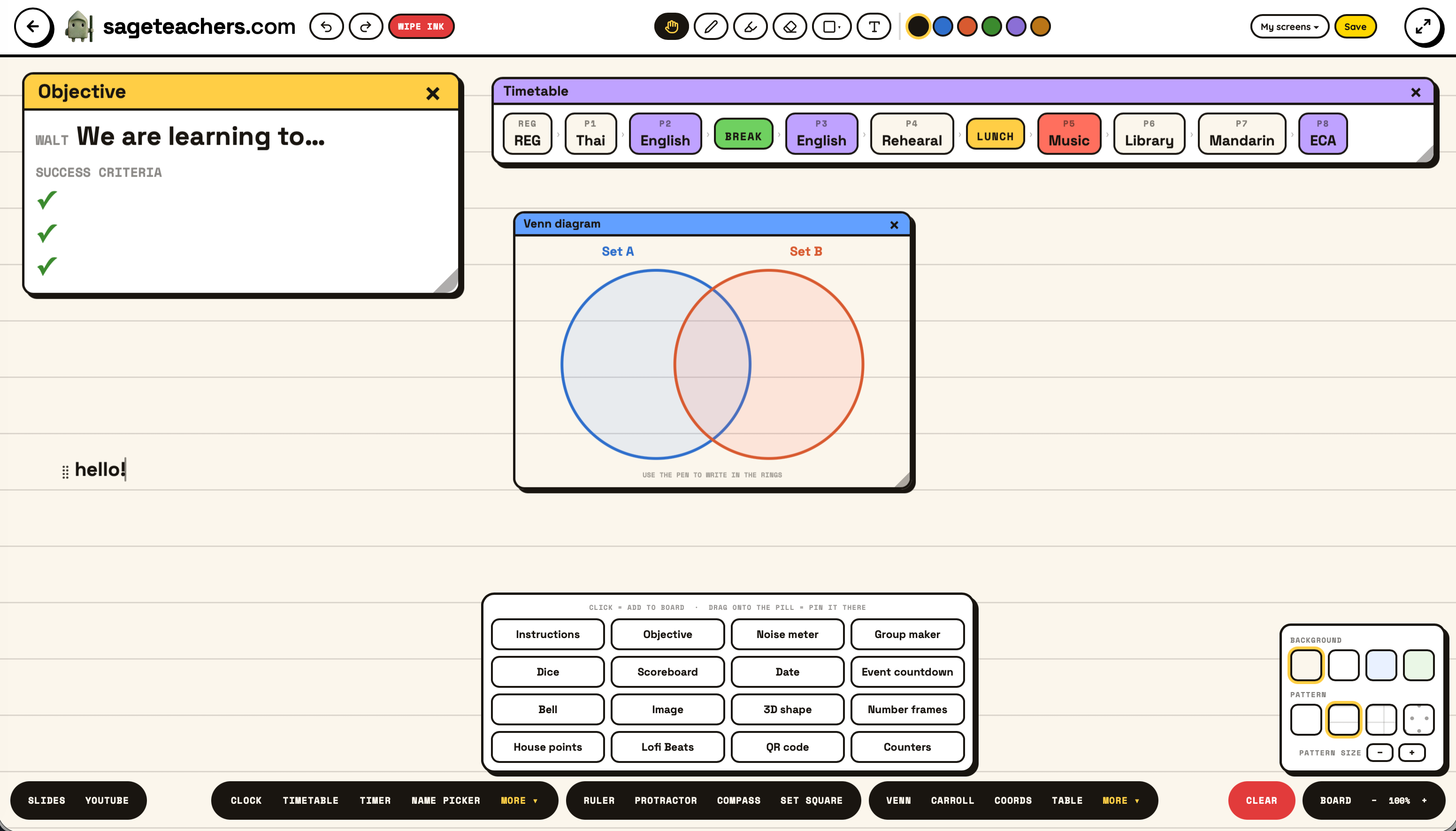
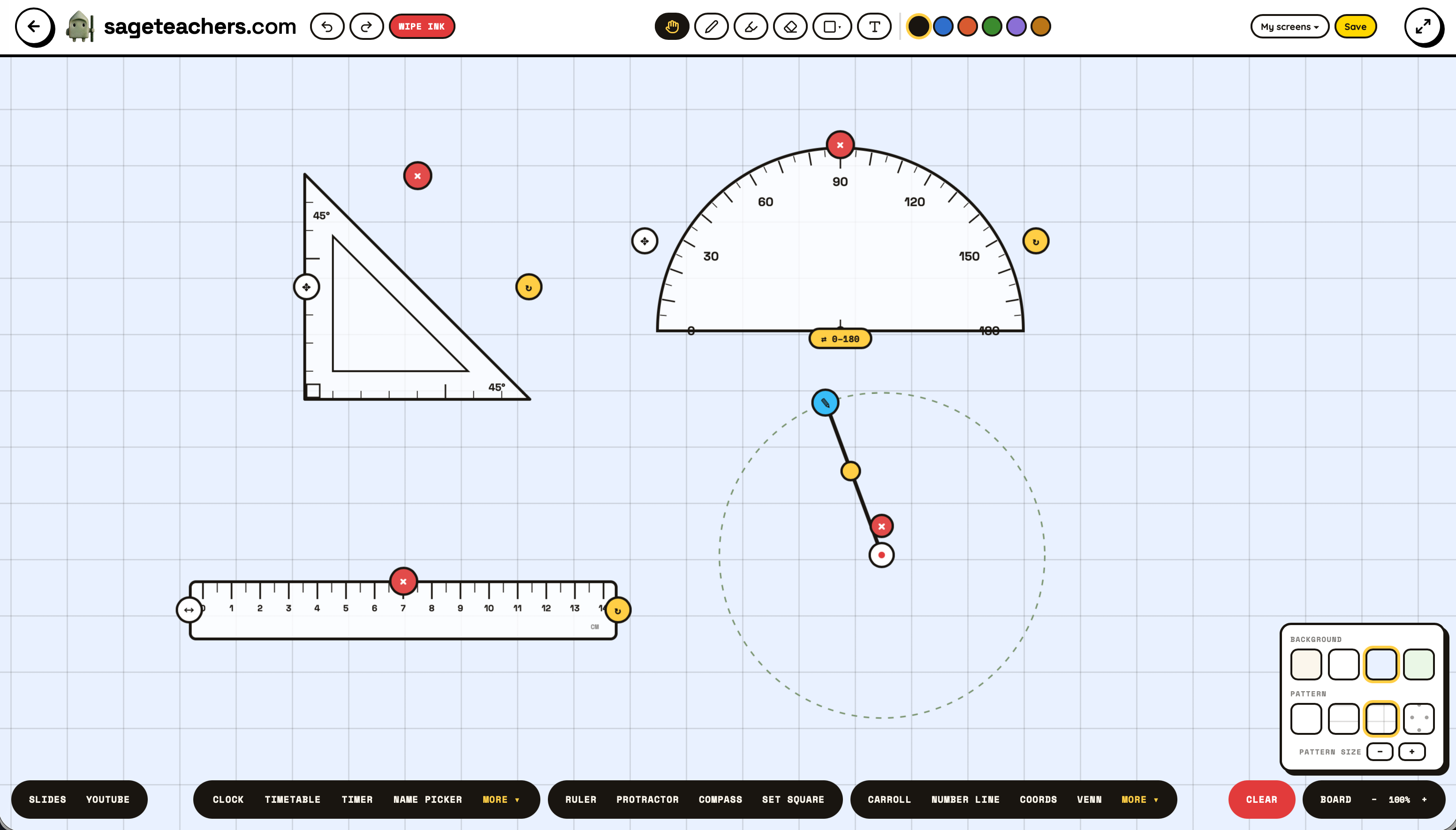
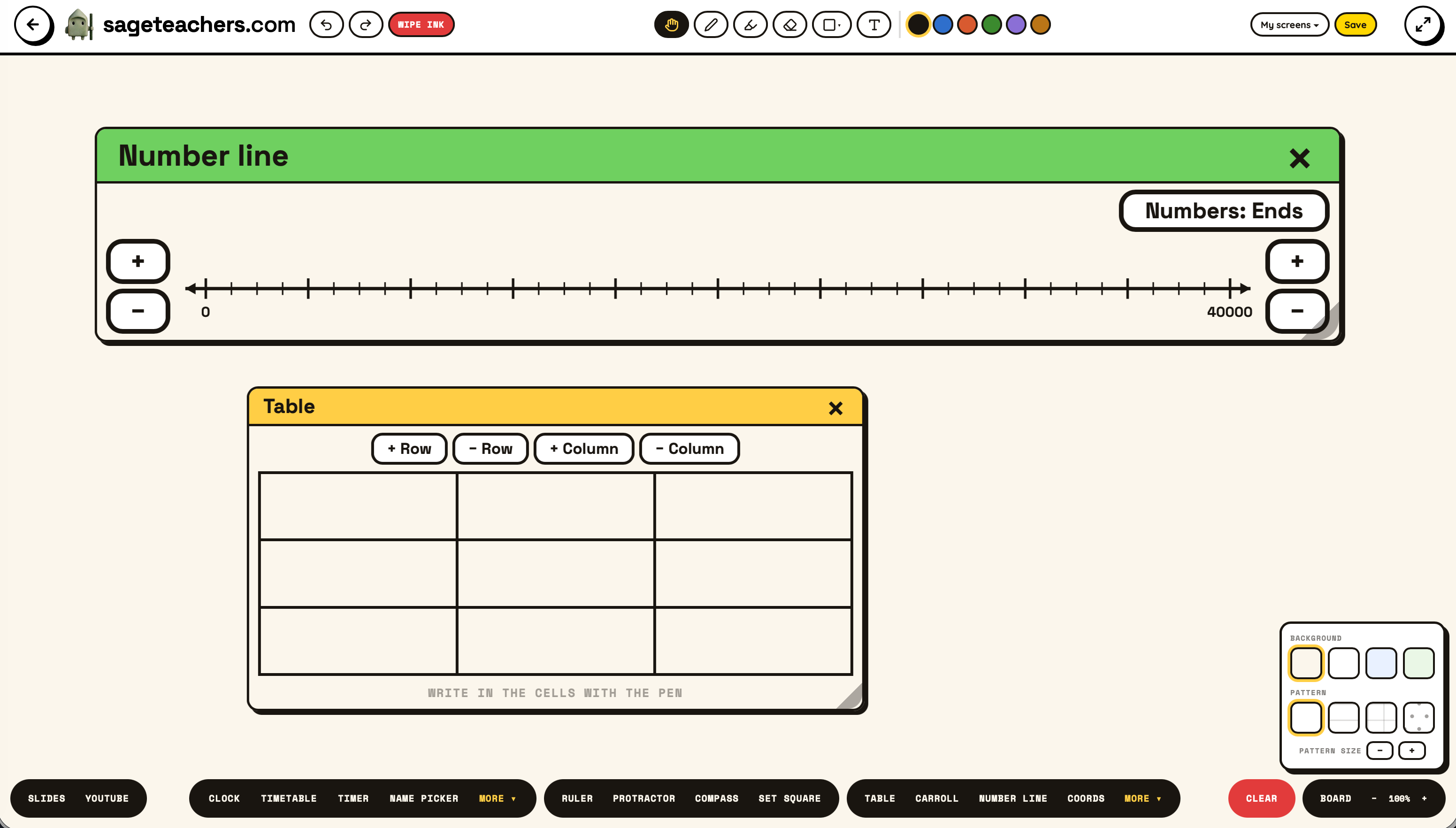
| Classroomscreen free | Sage Teachers free | |
|---|---|---|
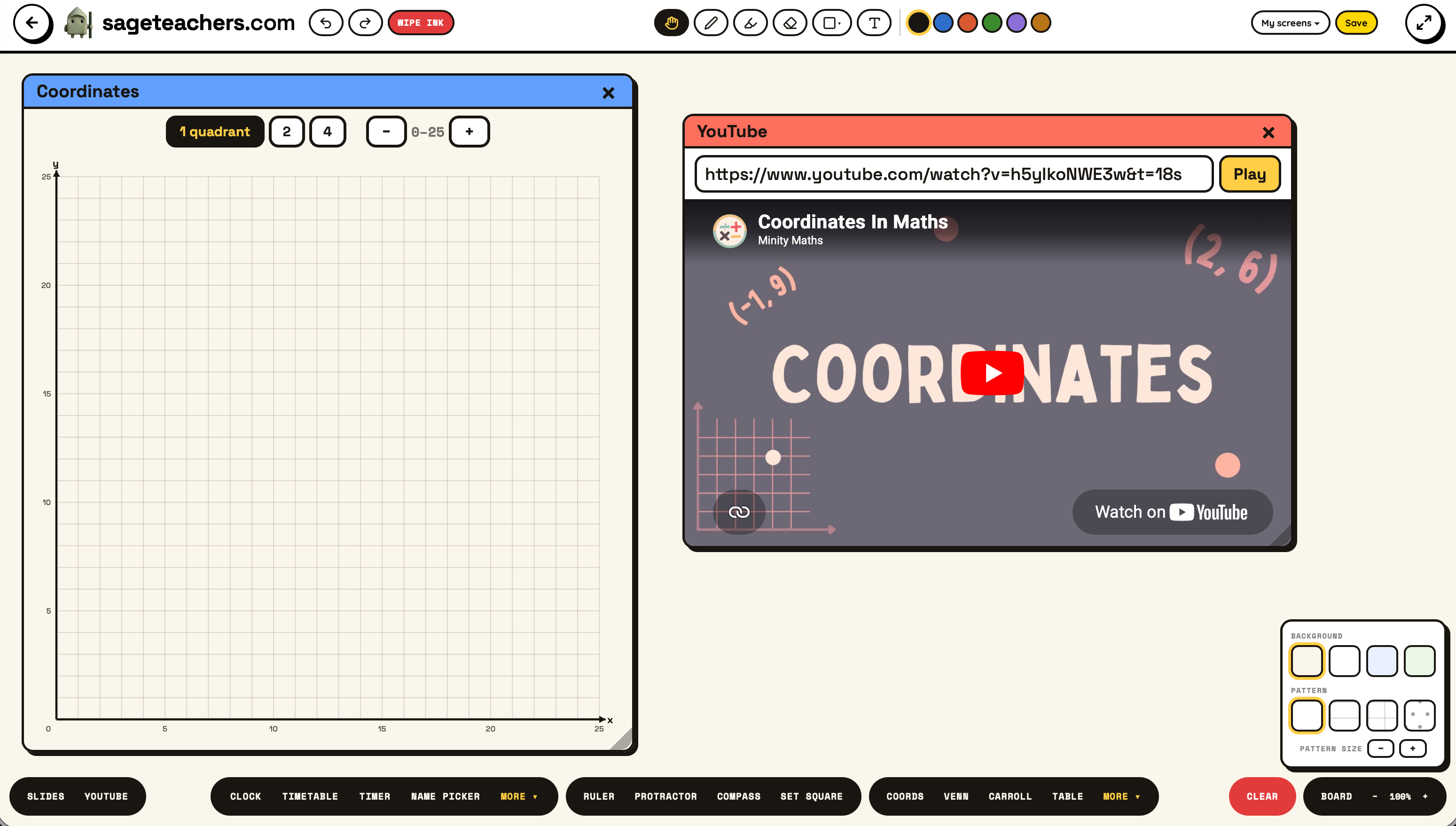
| Style | Many widgets on one screen | One screen (our Whiteboard) plus a full app per job |
| Saves your setup | No, rebuild each lesson (Pro: £36/yr) | Your class and timetable save to a free account |
| Class lists | Up to 3 name lists, for the picker only | One class free, used across every app (unlimited with Pro) |
| Logins | None needed | None to use, free Google sign-in to save |
| Pupil accounts | Never | Never, games join with a 4-digit code |
| Beyond the screen | Display widgets | 90+ apps: quizzes, live games, printables |
Credit where it is due, because plenty of "alternative" pages will not give it. All 26 widgets are free, no account needed, and it is ad-free by policy. Its core idea, lots of small widgets sitting together on one screen, is one it has spent years polishing. If that all-in-one display is the single thing you want, it does it well.
The catch is the one every teacher hits in week one. You build your perfect screen, and next lesson it is gone. Saving screens is Pro only. So is sharing them. Name lists, the thing the random name picker runs on, cap at three on the free plan, which does not stretch far once you are covering a few classes. Pro is £36 a year.
I built Sage Teachers as a working primary teacher, and I made the opposite trade. Instead of one screen of small widgets, each job gets its own full-screen app, built to be projected. The part I cared about most: sign in free with Google and your class list and timetable save to your account. Then every app can use them. Pick your class in the name spinner, the group maker or the seating plan, and nothing gets typed twice or vanishes overnight. Most class teachers have one class, and that is free. If you teach several classes or sets, Pro saves as many as you like.
The same honesty I have given Classroomscreen. Every app on Sage Teachers is free to try, with no pupil accounts. Saving one class list and its timetable is free too, and that one class works across every app. Pro is the save-and-reuse layer that keeps the site running: unlimited classes and timetables, saving and naming multiple whiteboard screens, saving seating plans to reuse, and the AI tools that generate quizzes and content. You can do the job for free. Pro removes the retyping once you are running more than one class.
If you love having six little widgets visible at once, keep Classroomscreen open. It is the better ambient dashboard. Sage Teachers earns its place the moment a widget is not enough. When the name picker should know who is in this morning. When you want a whole-class quiz, or a live game the children join on their own devices. And because your class is saved once and shared across every app, the "set it all up again" tax disappears.
Yes, all 26 widgets, no login. The limits are on saving. Screens do not persist on the free plan, name lists cap at 3, and saving or sharing screens needs Pro at £36 a year.
If you rebuild the same screen every day, £36 a year is a fair trade for saved layouts and unlimited lists. But before paying, check whether a free alternative covers what you actually use. For most teachers that is a timer, a name picker, groups and a noise-happy display.
It depends on the job. For the most-used widgets as proper full apps, with a class list and timetable that save free and work in every app, Sage Teachers. For many small widgets composed on one screen, Classroomscreen itself is still the one to beat.
No, on either. Everything runs in the browser with nothing to install. On Sage Teachers, pupils join the live games with a 4-digit code at sageteachers.com/join. No pupil accounts, ever.
Open any app on your whiteboard, with no download, and free to start. If it saves you the Sunday-night rebuild, it is doing its job.